Hacking an AndroidAuto screen
I recently bought a new car, the old Ford Ka is getting rusty and I am worried that it will fail the MOT check next year. But that means that the effort from a previous blogpost would be lost. This is of course not acceptable. The new car is a way bigger Peugeot 3008. This car is much newer, and as a result, has more advanced software features. All of these new features are embedded in and controlled through the existing headunit system. There are many replacement/upgrade kits that are compatible, but none of those seem to care about the existing functionality, leaving the car with a broken dashboard screen. wtf. The market is also filled with many “universal” android auto screens that do not replace anything, but just mount into the dashboard/window using a suction cup (like the old navigation units). The universal units would leave everything functional, but as a trade-off do not integrate cleanly and would almost always leave wires going across the dashboard. That is, unless you put some effort into it.
Graphical design is my passion
I bought a few of these screens, they are extremely cheap, and I just returned the unusable ones. But the best screen just had to have the worst boot-image (by FAR). It looks like this:


Yes, its disgustingly ugly, and there is no chance in hell that I would ever look at this image daily voluntarily. Which made me wonder, how difficult would it be to change this image? So I opened the module, found the eeprom and extracted the firmware using the wonderful tool called IMSProg. The eeprom happened to be placed perfectly accessible.
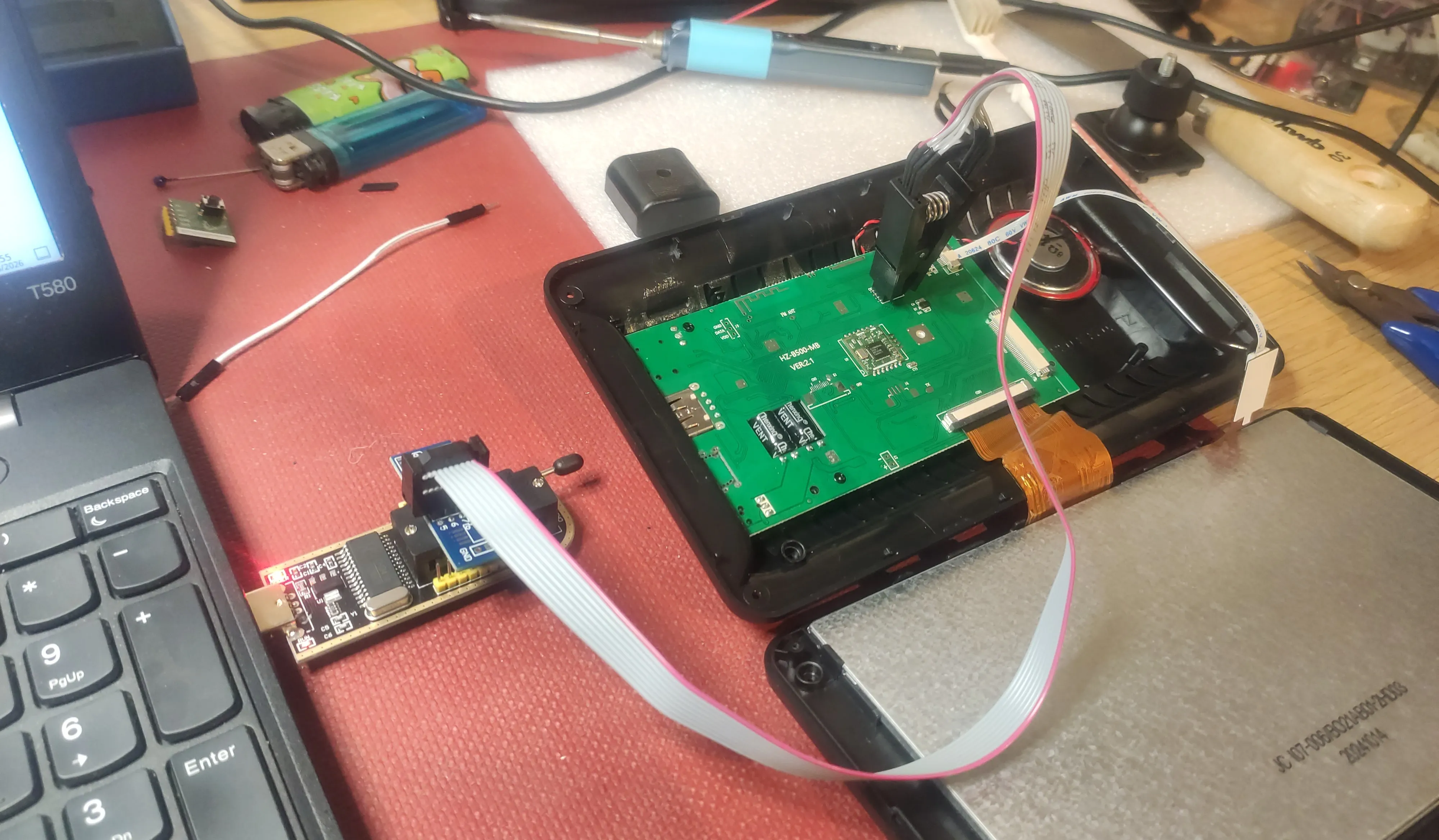
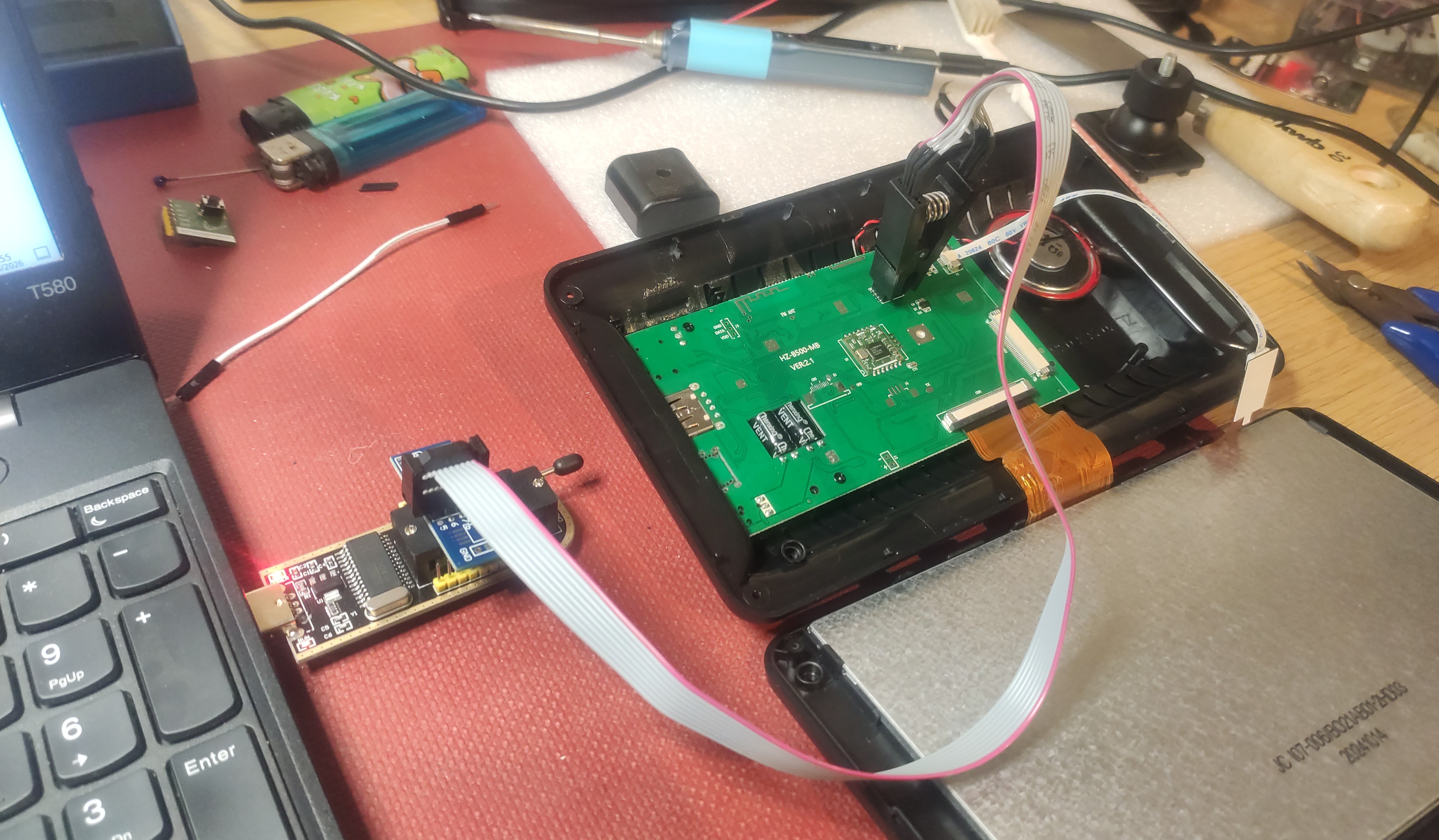
The binary that I extracted from the eeprom is just a binary, and I have no idea how the Allwinner F133B connects to the eeprom, or uses the firmware stored on the 16MB eeprom. Running the binary through binwalk gave the following confusing output:
DECIMAL       HEXADECIMAL     DESCRIPTION
--------------------------------------------------------------------------------
36728         0x8F78          CRC32 polynomial table, little endian
42944         0xA7C0          Android bootimg, kernel size: 0 bytes, kernel addr: 0x0, ramdisk size: 1852990827 bytes, ramdisk addr: 0x615F6C65, product name: "error"
66560         0x10400         LZMA compressed data, properties: 0x5D, dictionary size: 8388608 bytes, uncompressed size: -1 bytes
1639503       0x19044F        ESP Image (ESP32): segment count: 1, flash mode: QUIO, flash speed: 40MHz, flash size: 1MB, entry address: 0x300, hash: none
.... Many false-positive ESP Image's are removed here
1654955       0x1940AB        ESP Image (ESP32): segment count: 8, flash mode: QUIO, flash speed: 40MHz, flash size: 1MB, entry address: 0x300, hash: none
2441898       0x2542AA        IMG0 (VxWorks) header, size: 842330134
2668144       0x28B670        Zlib compressed data, best compression
2765977       0x2A3499        Zlib compressed data, best compression
.... Many false-positive Zlib blobs are removed here
5214329       0x4F9079        Zlib compressed data, best compression
5745628       0x57ABDC        PNG image, 180 x 180, 8-bit/color RGBA, non-interlaced
5745713       0x57AC31        Zlib compressed data, best compression
5748383       0x57B69F        Zlib compressed data, best compression
5755172       0x57D124        PNG image, 256 x 256, 8-bit/color RGBA, non-interlaced
5755257       0x57D179        Zlib compressed data, best compression
5757927       0x57DBE7        Zlib compressed data, best compression
5767492       0x580144        PNG image, 120 x 120, 8-bit/color RGBA, non-interlaced
5767577       0x580199        Zlib compressed data, best compression
5770247       0x580C07        Zlib compressed data, best compression
5774992       0x581E90        JPEG image data, EXIF standard
5775004       0x581E9C        TIFF image data, little-endian offset of first image directory: 8
5940276       0x5AA434        JPEG image data, EXIF standard
5940288       0x5AA440        TIFF image data, big-endian, offset of first image directory: 8
5948224       0x5AC340        Copyright string: "Copyright (c) 1998 Hewlett-Packard Company"
5955000       0x5ADDB8        JPEG image data, JFIF standard 1.01
5955030       0x5ADDD6        TIFF image data, big-endian, offset of first image directory: 8
5998716       0x5B887C        JPEG image data, JFIF standard 1.01
6009072       0x5BB0F0        JPEG image data, JFIF standard 1.02
6009102       0x5BB10E        TIFF image data, big-endian, offset of first image directory: 8
6009404       0x5BB23C        JPEG image data, JFIF standard 1.02
6011824       0x5BBBB0        JPEG image data, JFIF standard 1.02
6028392       0x5BFC68        Copyright string: "Copyright (c) 1998 Hewlett-Packard Company"
6054704       0x5C6330        JPEG image data, JFIF standard 1.01
6054734       0x5C634E        TIFF image data, big-endian, offset of first image directory: 8
6077292       0x5CBB6C        JPEG image data, EXIF standard
6077304       0x5CBB78        TIFF image data, big-endian, offset of first image directory: 8
6078050       0x5CBE62        Copyright string: "Copyright (c) 1998 Hewlett-Packard Company"
6085305       0x5CDAB9        Copyright string: "Copyright (c) 1998 Hewlett-Packard Company"
6208632       0x5EBC78        Zlib compressed data, best compression
6209745       0x5EC0D1        Zlib compressed data, best compression
...
9076725       0x8A7FF5        Zlib compressed data, best compression
12490532      0xBE9724        RIFF audio data (WAV), 2 channels, 8000 sample rate
12715824      0xC20730        RIFF audio data (WAV), 0 channels, 1112099941 sample rate
13611660      0xCFB28C        JPEG image data, EXIF standard
13611672      0xCFB298        TIFF image data, little-endian offset of first image directory: 8
When I extracted the JPEG stored at the end, which happened to be the first one I saw, I was greeted by that same hideous boot image, bingo! Extracting the image out of the firmware is really simple, and done as follows:
# extract-boot-image.sh
# From Binwalk
# JPEG image data, EXIF standard
# start: 0xCFB28C
# end: 0xD24426
# length: 0x2919A ( = 168346)

dd skip=$((0xCFB28C)) count=168346 if=firmware-edited.bin of=extracted.jpeg bs=1 status=progress
Then, before making it complicated with signatures, CRC checks and all kind of other awful things that would make my tampering more complicated. Lets be naive and try just changing this image and monkeypatching it in-line. Open the image in Krita, add some obvious red detail and YOLO it onto the firmware/eeprom (just make sure that the size is smaller than before!).
# insert-boot-image.sh
dd if=boot.jpeg of=firmware-edited.bin bs=1 seek=$((0xCFB28C)) conv=notrunc
My first attempt at this failed for some reason, but the second attempt resulted in this, very promising view:
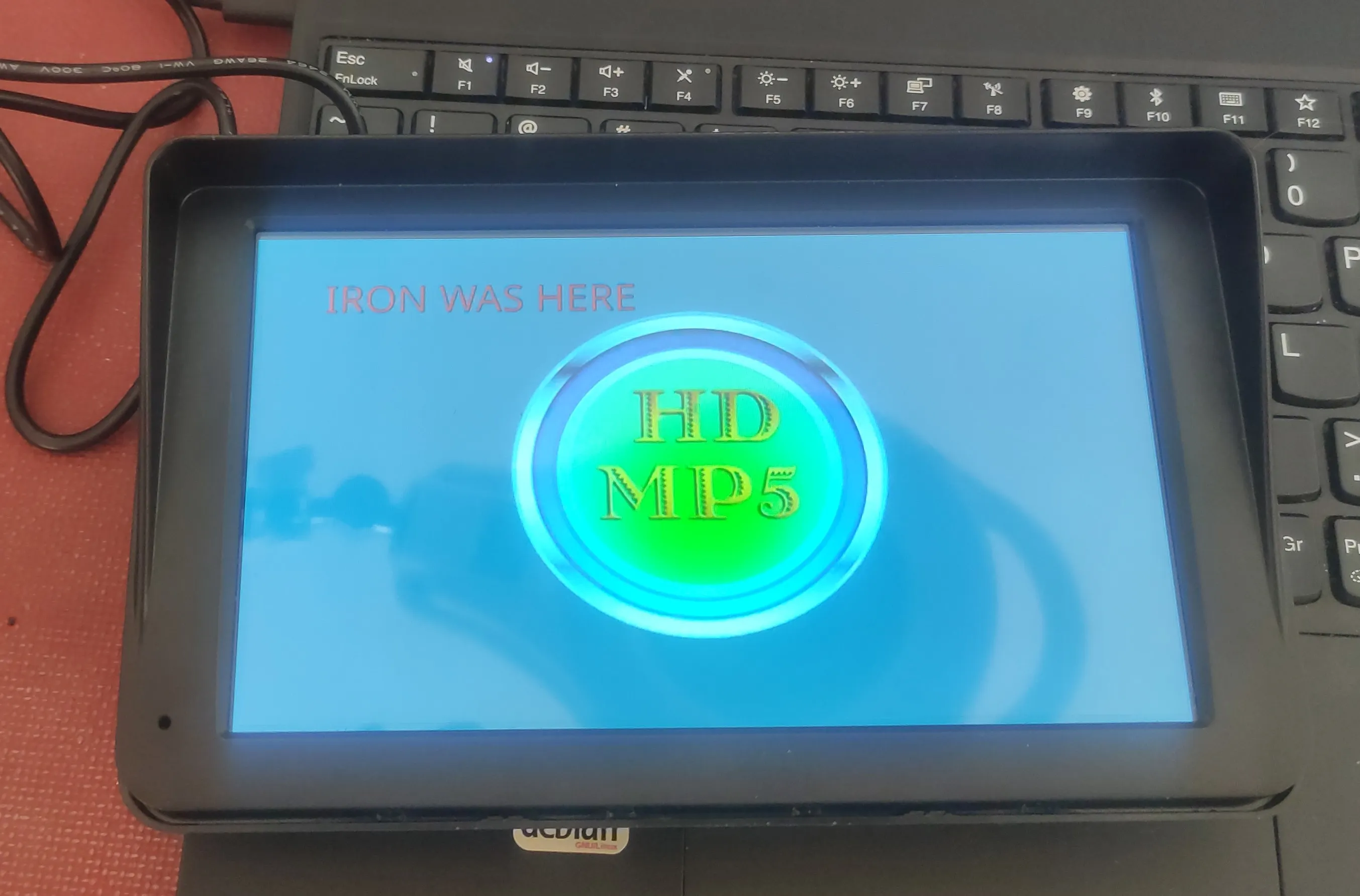
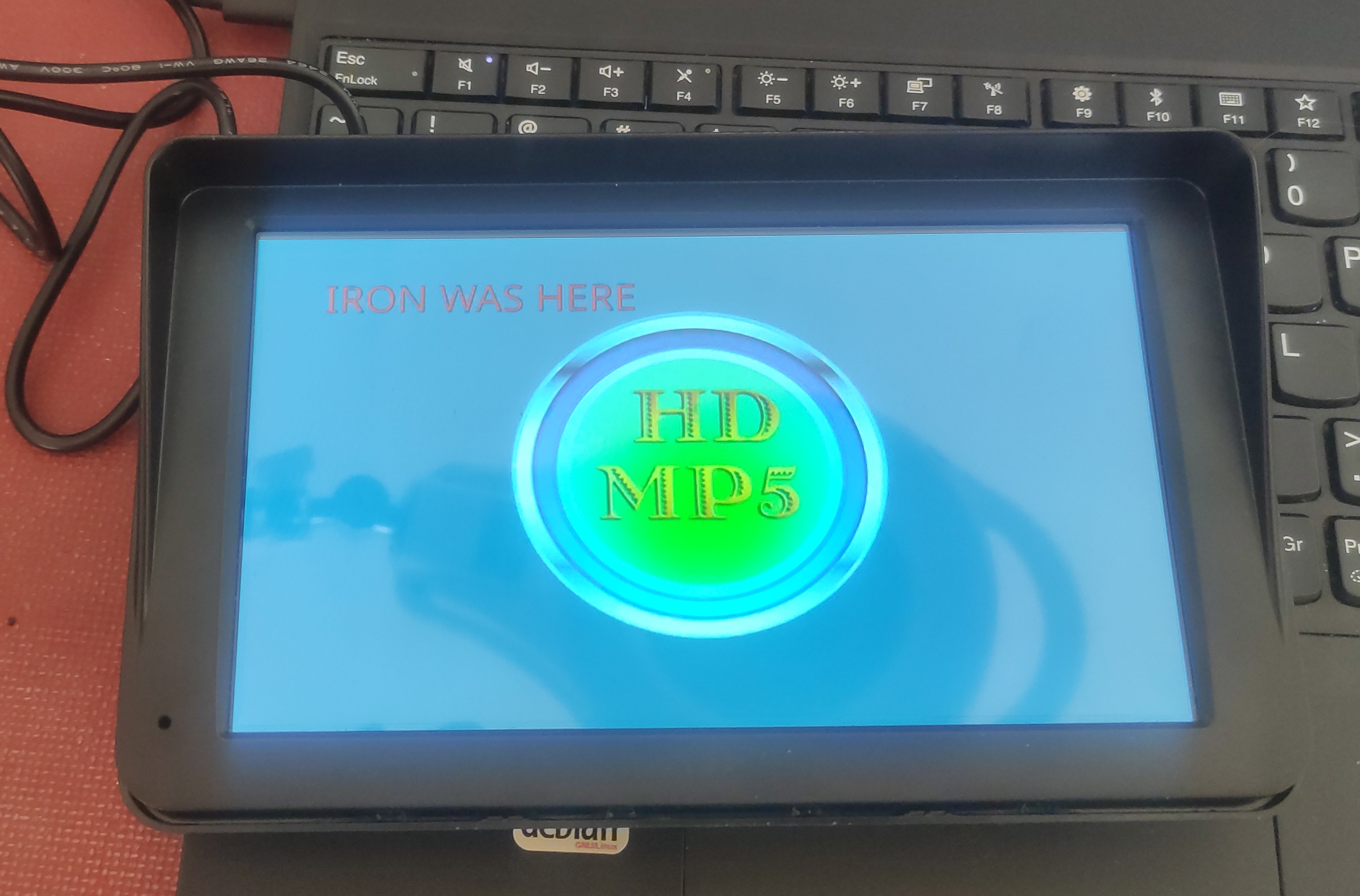
Small moments like that, where something suddenly works, and things come together nicely, they feel good. So obviously I got to work making my own boot image, and flashing it. It just worked, and since the original image was stupidly big compared the the details, I had no issues at all making mine fit (in fact i had around 200kb spare!).
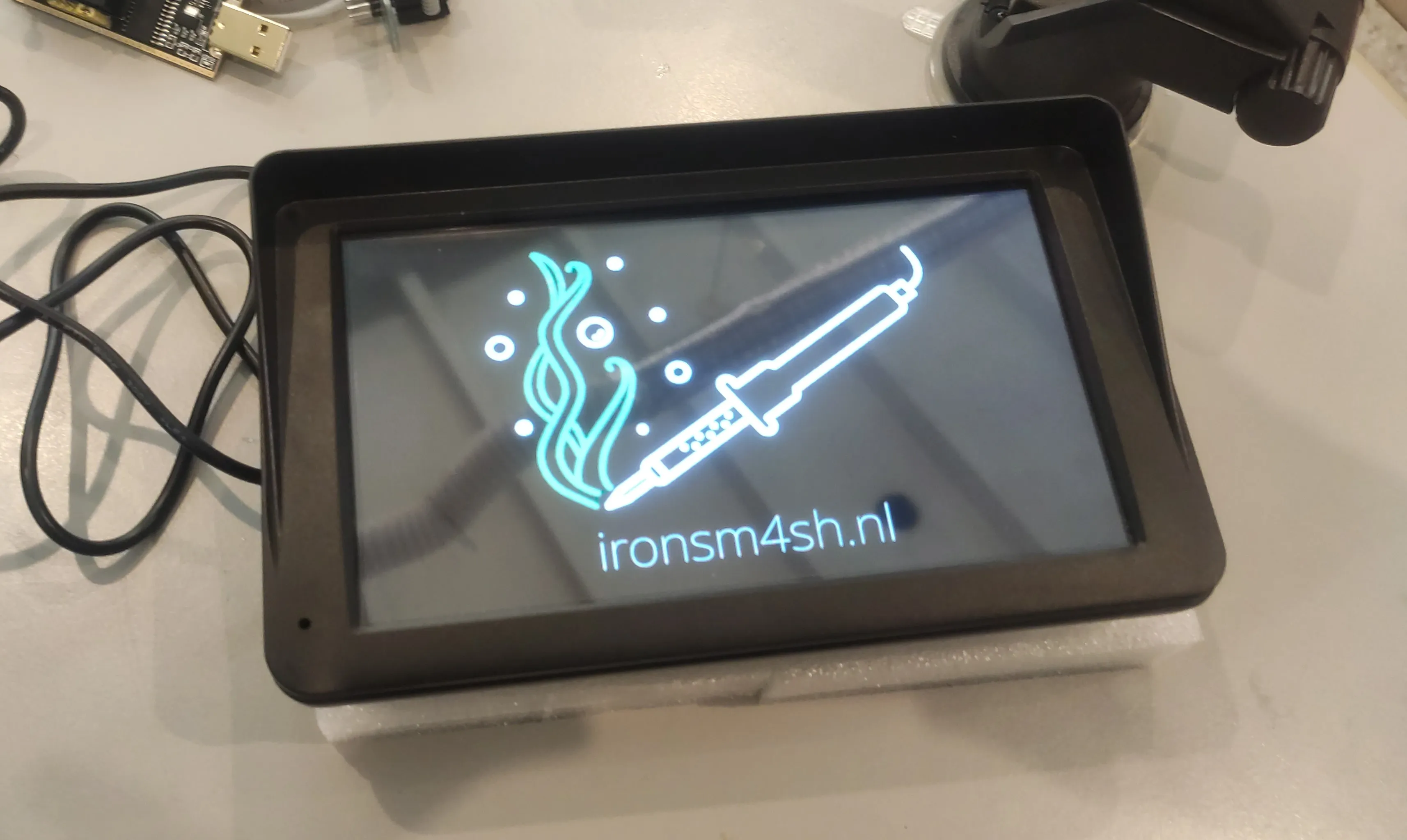
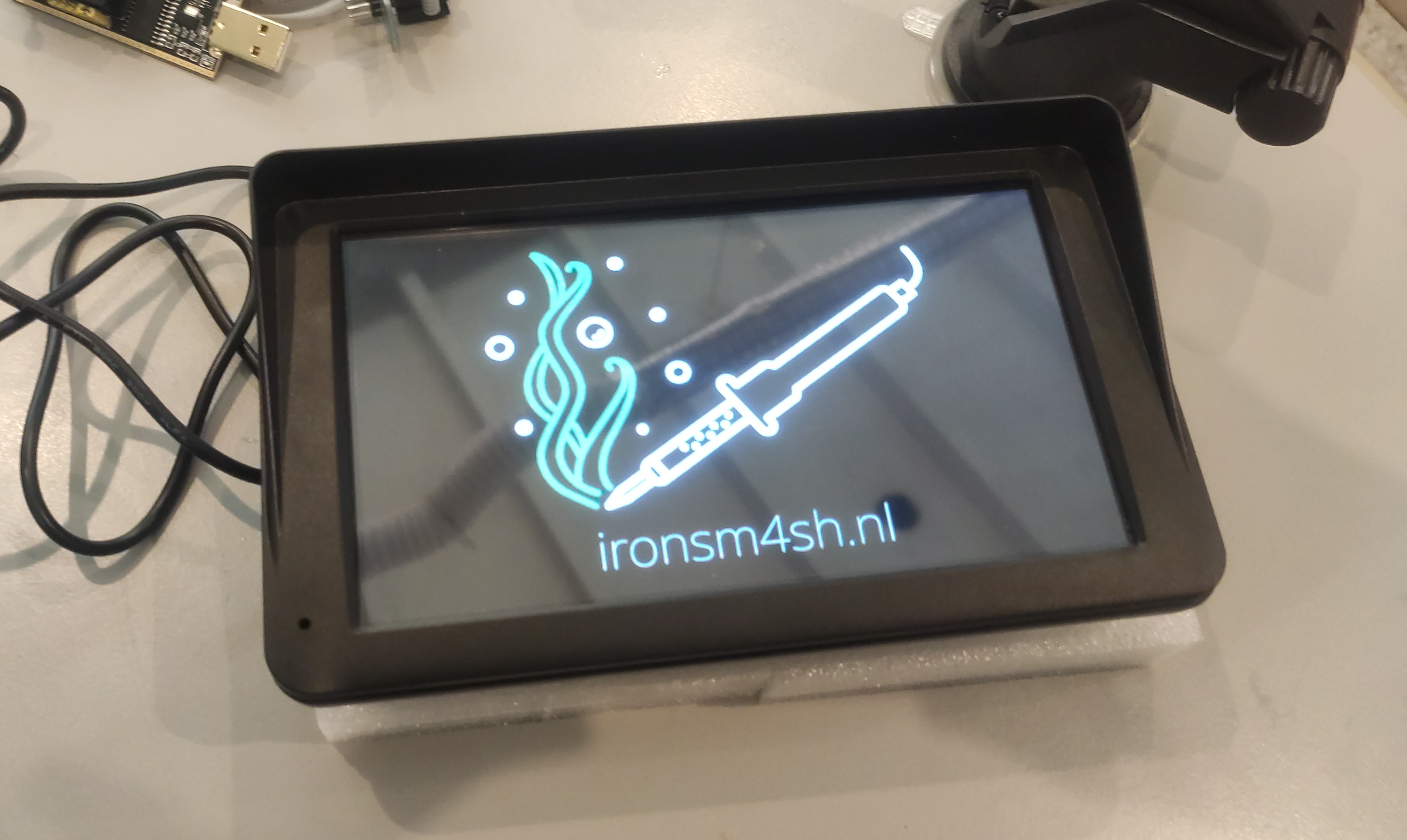
Then all thats left is mounting it in the car properly. I used a 3D printed adapter and ran some audio/power cables through the car.
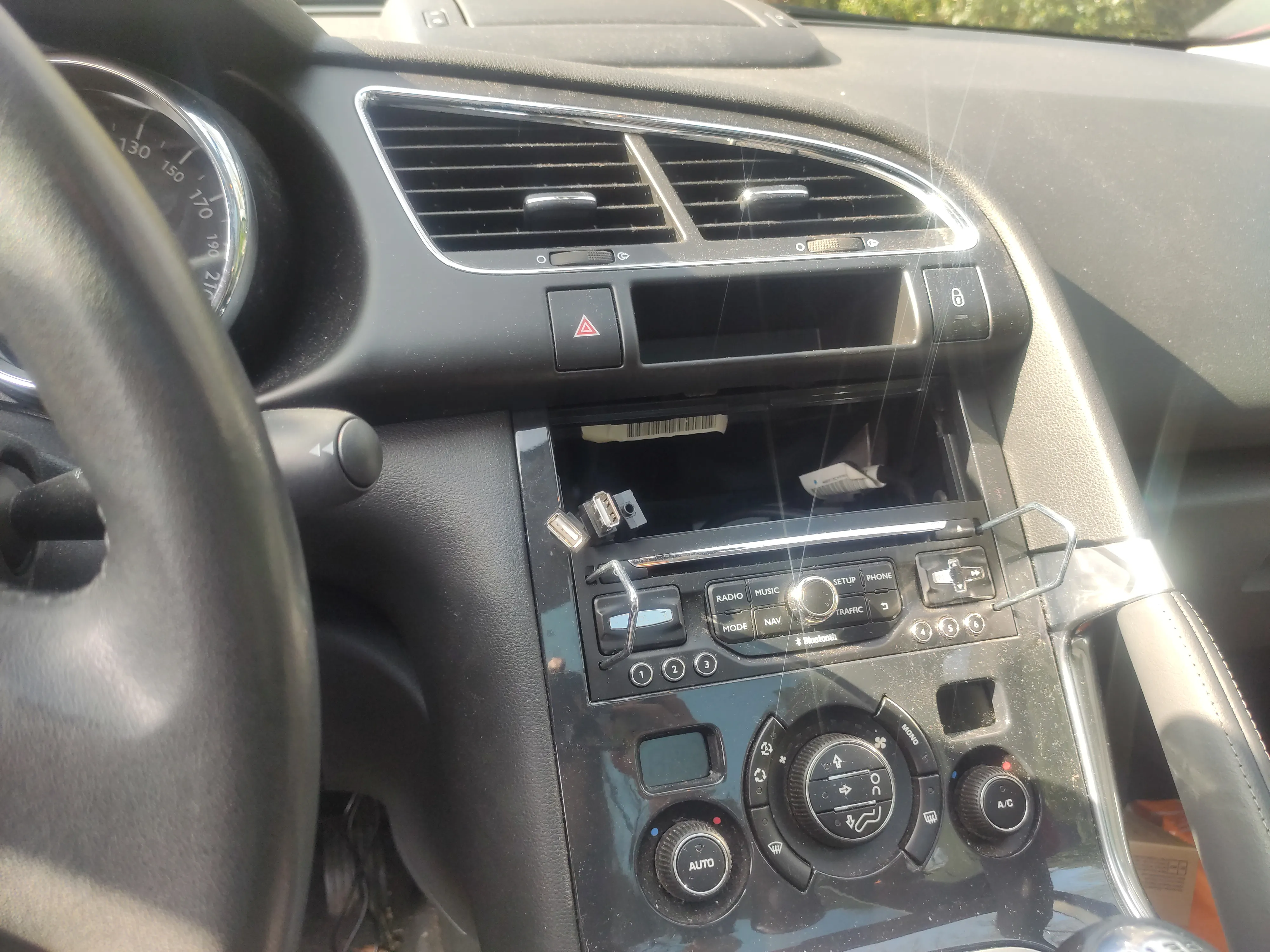
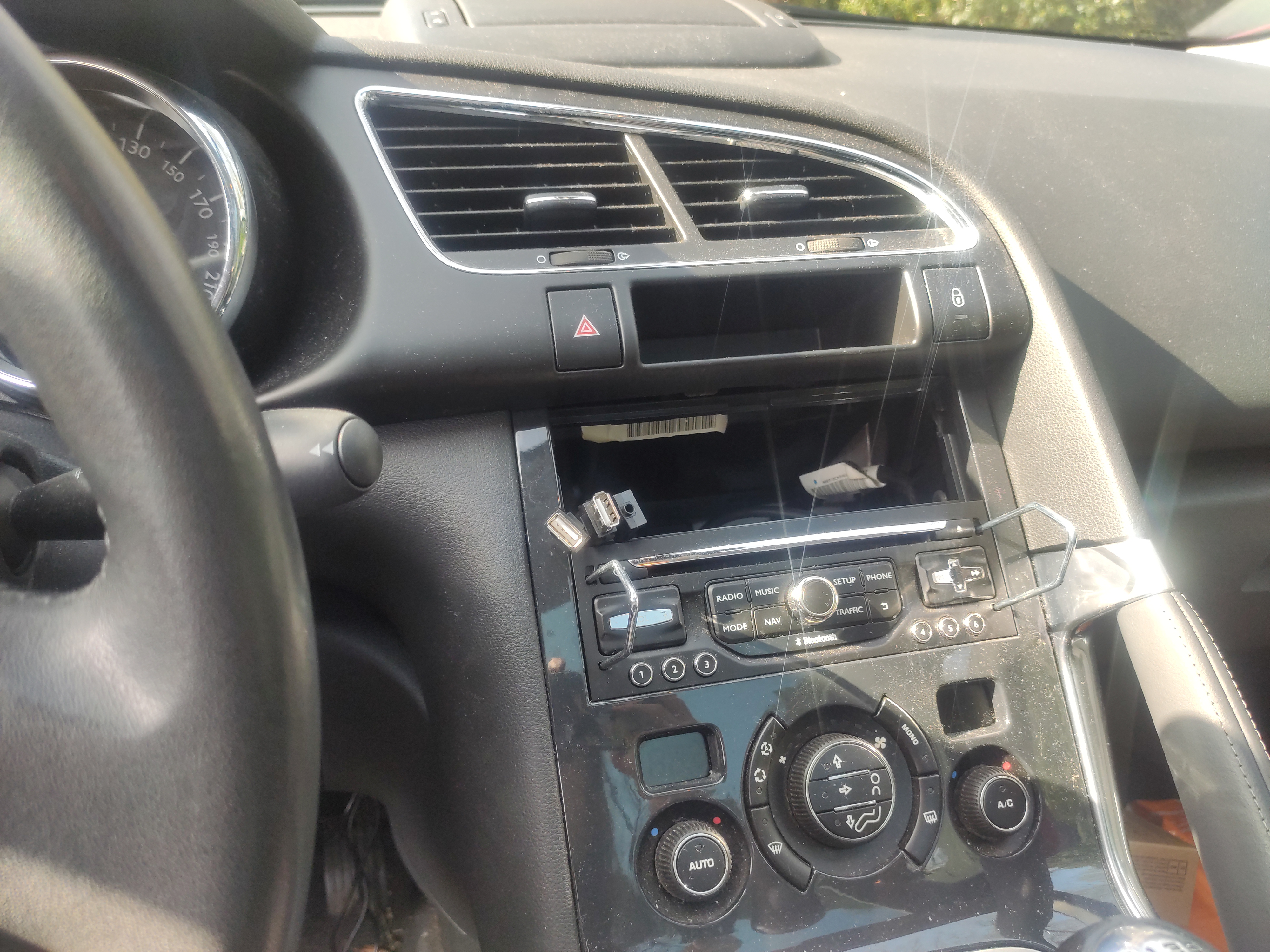
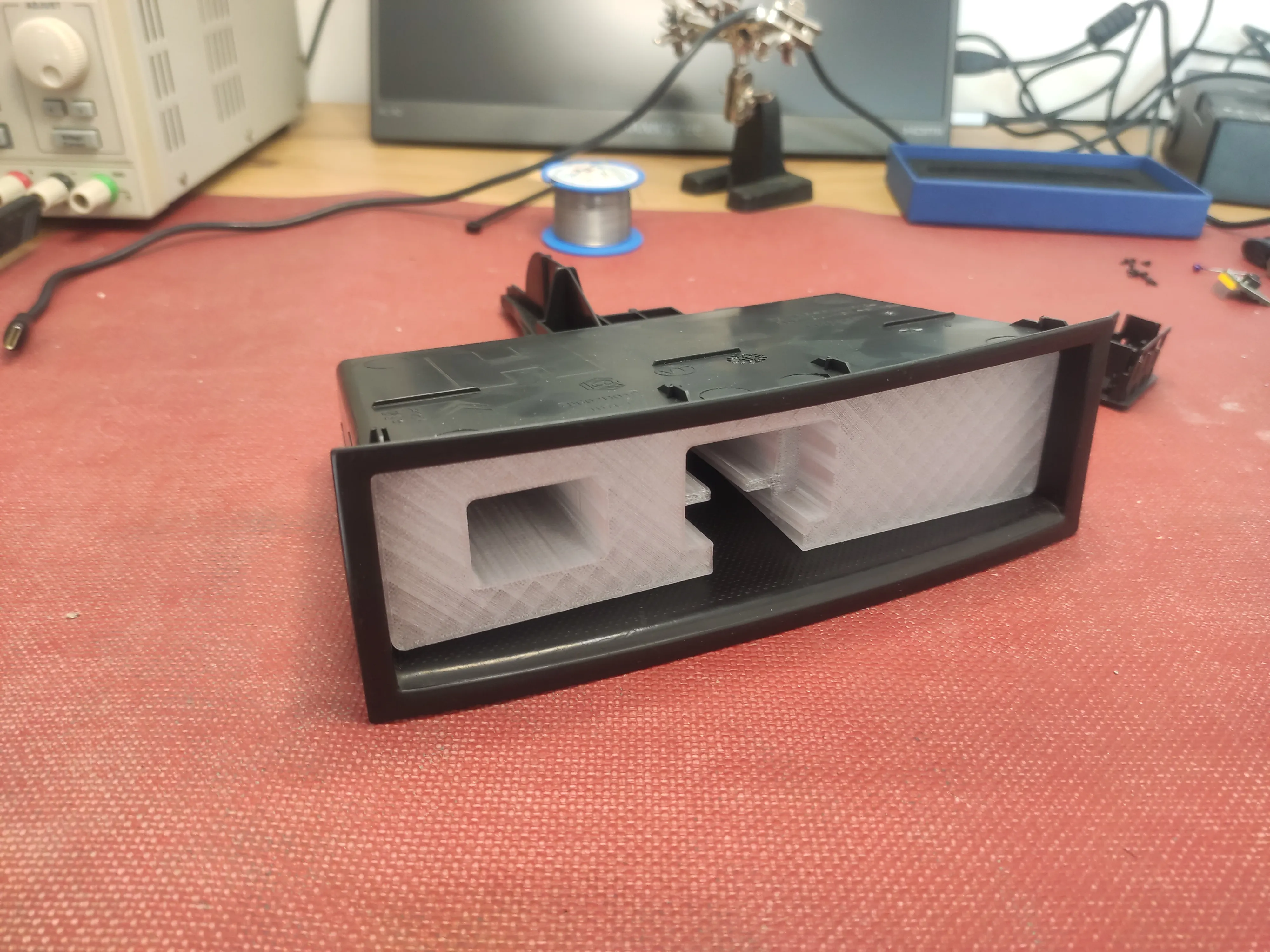
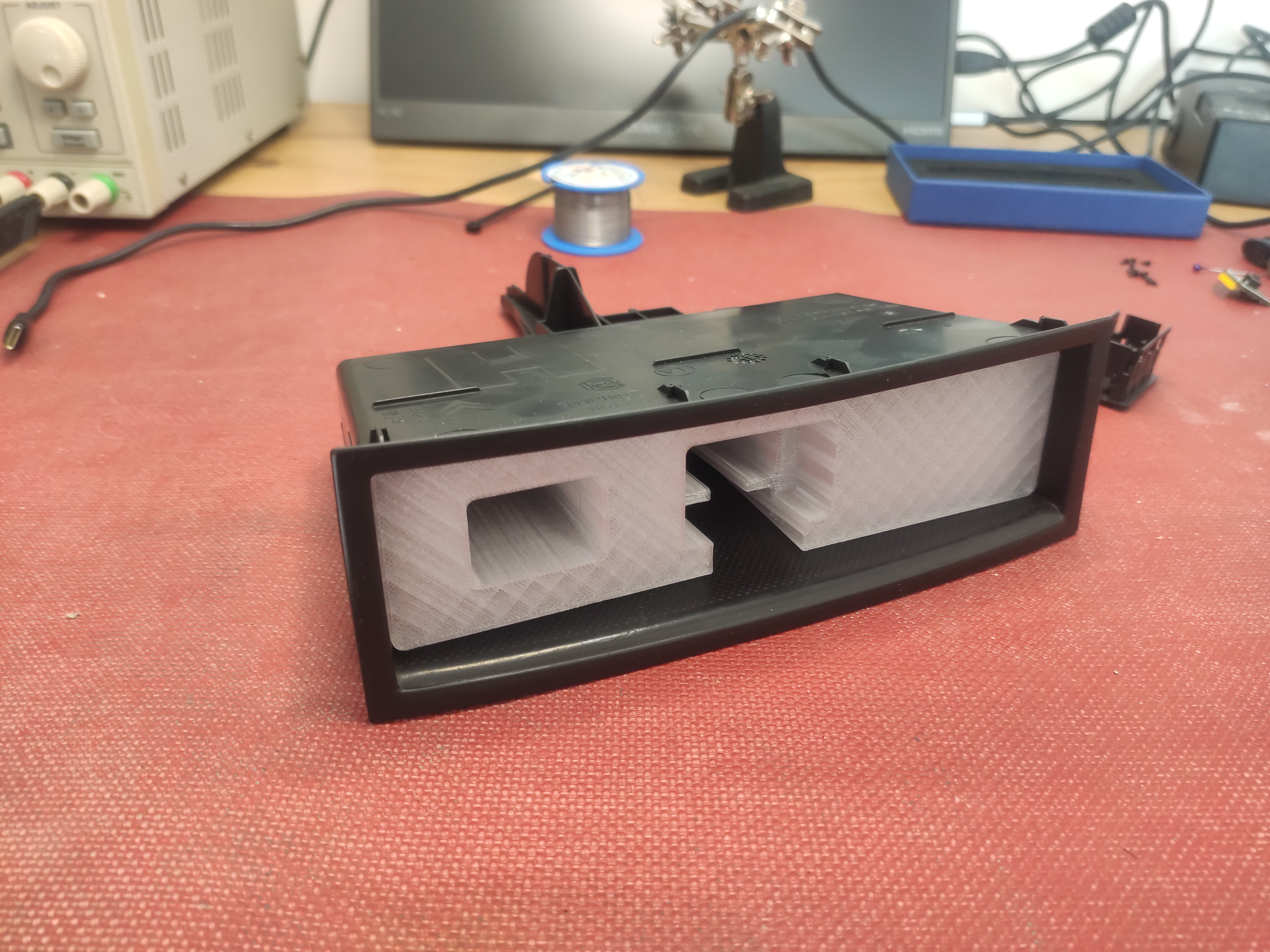
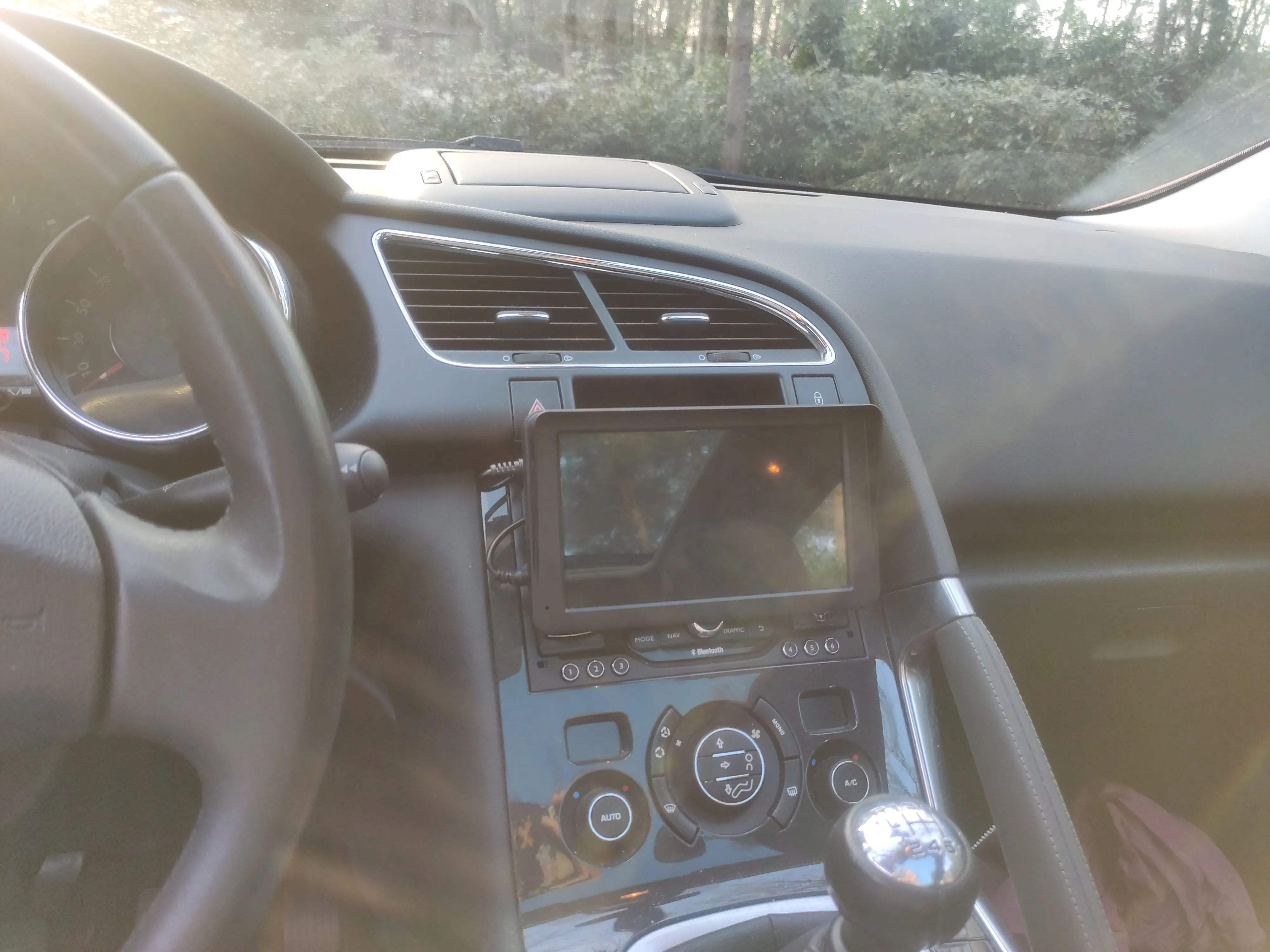
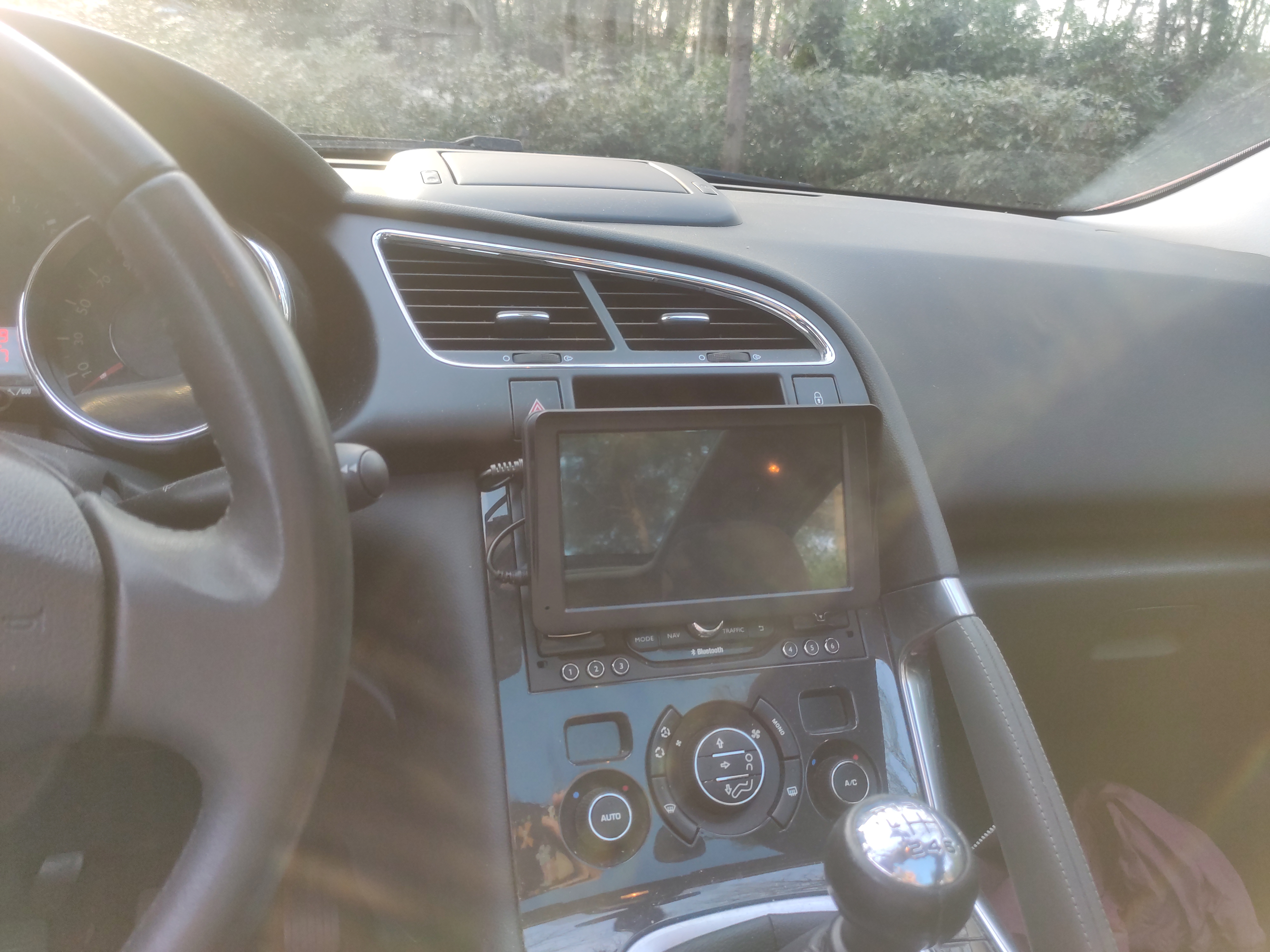
You can find the original firmware, some scripts and all other details in the git repository. When I browsed through some of the strings in the sourcecode, I found this:
defaultInterface=
logoPassword=112233
factoryPaswword=113266
logoCardName=F:
uiID=1
The factoryPaswword (yes, its mistyped) was provided in the manual, but the logoPassword was not. Entering the logo password into the settings screen would result in the device exposing a hidden menu that allowed you to… change the boot image… Oh well, at least I learned many things from the manual firmware modification.. And the firmware modification allowed me to change the name of its visible bluetooth broadcasts.
Thank you for reading this article.If you spot any mistakes or if you would like to contact me, visit the contact page for more details.