Making a gameboy game
If you are reading this, there is a high possibility that you’ve at one point held a Gameboy advance in your hands, and thought “how powerful is this device actually?“. And to be honest, after making a “game” for it, I still have no idea. But if you are used to programming tiny microcontrollers, like ATTiny/ATmega, the Gameboy advance is powerful. A fun fact about the Gameboy is that the game is traditionally stored on ROM, and the ROM is part of the cartridge, which means that if a specific game needs some special hardware, the developer/publisher is free to add it for as long as it fits the cartridge and within a few other technical limitations. So there is nothing preventing you from adding an accelerometer and implementing motion controls. The cursed possibilities are endless.
As for why I made a “game” for a gameboy, I had to give a presentation, and what’s a better shitpost presentation medium than a gameboy? I can’t think of many things. If you know a more cursed way to present a bunch of statistics, please let me know!
How to make a Gamboy Advance game
There are plenty of ways to make a gameboy advance game, there are plenty of frameworks for it too. I decided to use the Rust based agb library. Why? No clue, I just felt like it. It looked cool, and that is the only explanation that a small hobby project needs. To get started with agb, you will need to install a nightly version of the Rust compiler, it uses some in-line assembly that the stable compiler does not like. I then found an example that did 90% of what a presentation needs, text on a screen! The rest of a presentation is basically changing a background.
A very small Rust program that just displays the text “hello world!” can be seen below:
static FONT: Font = include_font!("ark-pixel-10px-proportional-ja.ttf", 10);

fn main(mut gba: agb::Gba) -> ! {
  let text = format!(
    "Hello world!"
  );

  let mut gfx = gba.graphics.get();

  static PALETTE: Palette16 = const {
      let mut palette = [Rgb15::BLACK; 16];
      Palette16::new(palette)
  };

  let mut layout = Layout::new(
    &text,
    &FONT,
    &LayoutSettings::new()
      .with_max_line_length(200)
      .with_alignment(AlignmentKind::Centre),
  );
  let text_render = ObjectTextRenderer::new((&PALETTE).into(), Size::S16x16);
  let mut objects = Vec::new();
  let mut frame_count = 0;
  let mut delay: u32 = 0;

  loop {
    let mut frame = gfx.frame();
    frame_count += 1;

    if delay == 0 {
      if let Some(group) = layout.next() {
        let sprite = text_render.show(&group, vec2(16, 16));
        objects.push(sprite);

        if group.text().ends_with([',', '.', '!', '?', '\n']) {
          delay = 16;
        } else {
          delay = 4;
        }
      }
    } else {
      delay -= 1;
    }

    for object in objects.iter() {
      object.show(&mut frame);
    }
    frame.commit();
  }
}
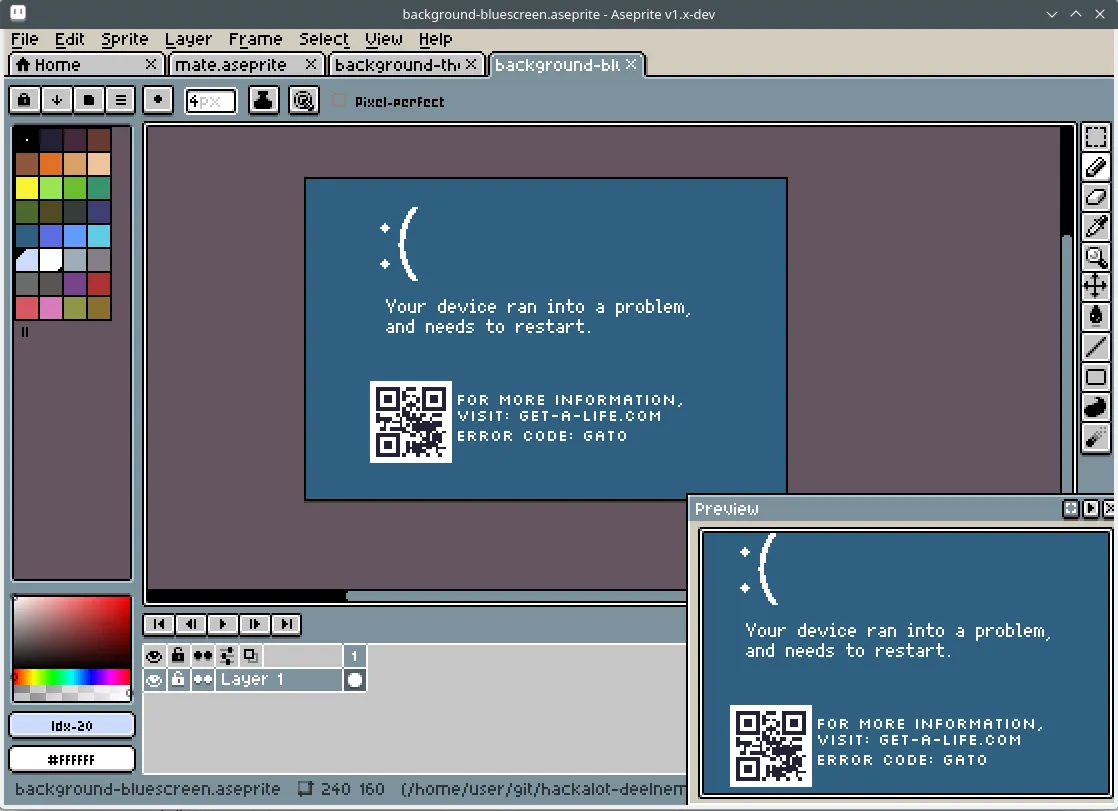
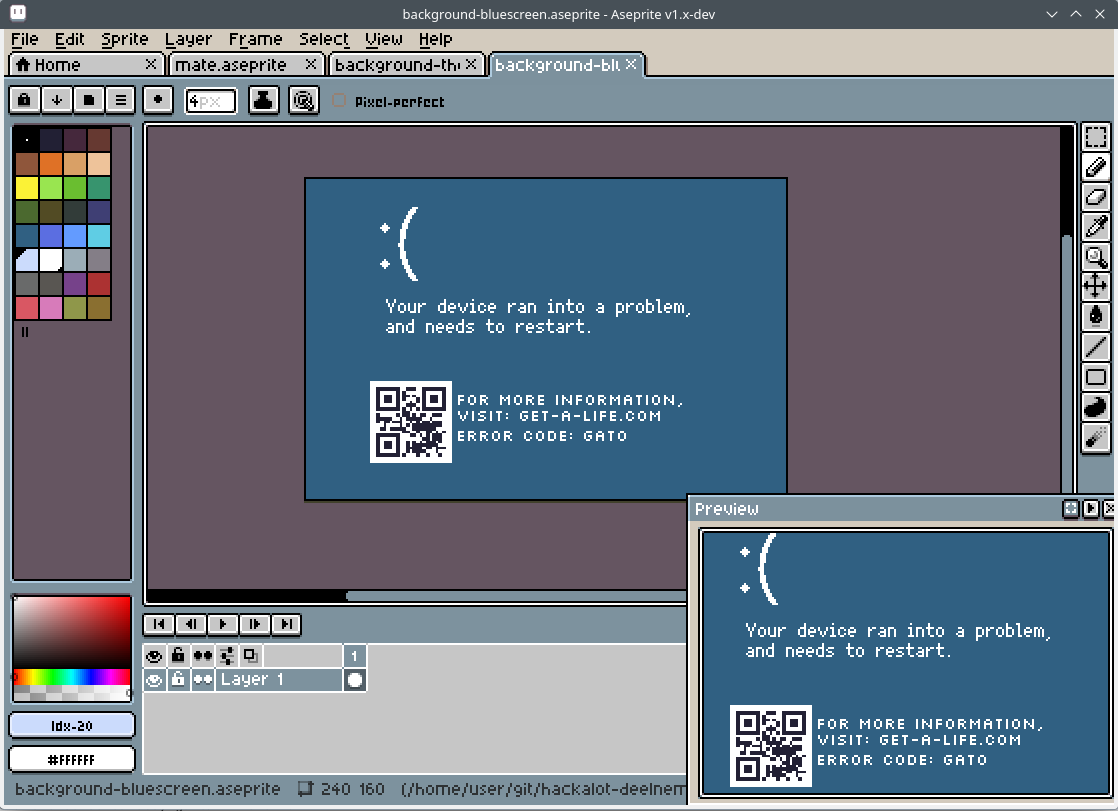
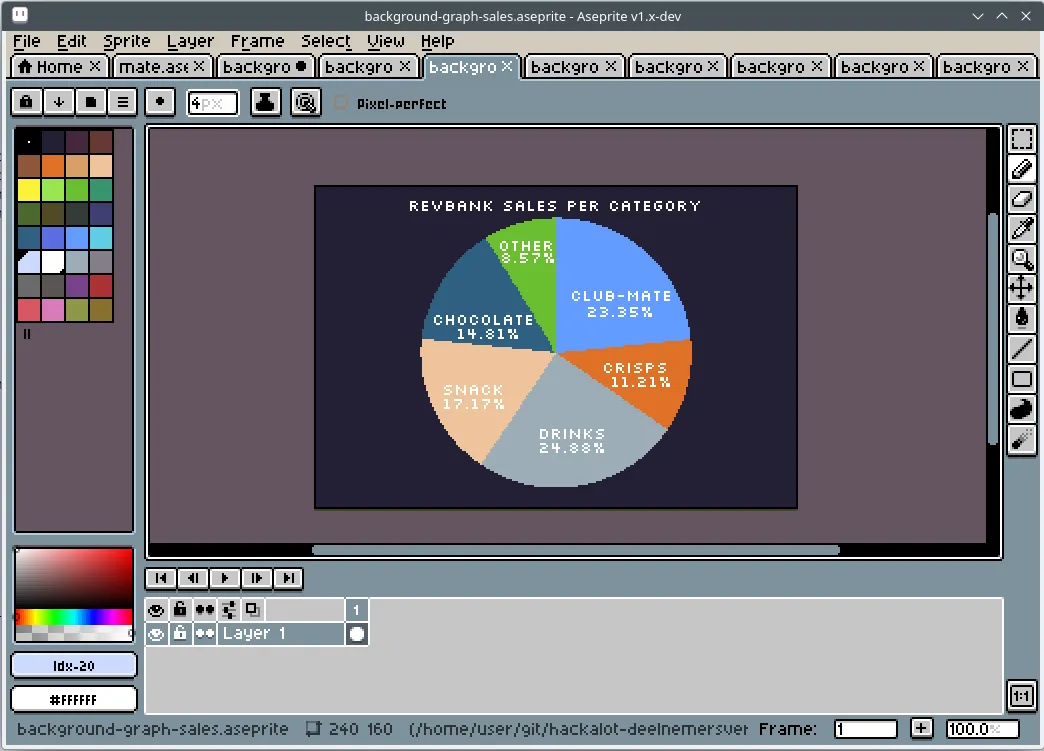
As you can see, the library does a lot for you, it has abstractions for palettes, layouts, frames, objects. It behaves like a batteries-included game engine. At first, much of this felt like magic smoke to me, but over time it became very logical. someone clearly put a lot of thoughts and work into it. I am grateful. As for what my “game” needed besides text, it’s backgrounds and a handful of sprites. As it turns out, agb can load backgrounds and images from Aseprite directly. This is very cool, and saves a ton of work converting images/bitmaps. Just save it and compile the game, and boom! new assets. An example of a background can be seen below in Aseprite. Aseprite is unfortunately not free software, as you are not allowed to distribute binaries. The other freedoms (study/modify/use/distribute source) seem to be intact, so it’s acceptable.
Compiling aseprite is kind of a hassle, that is why others have simply made build-scripts that handle everything for you, just run a docker image and Bob’s your uncle.
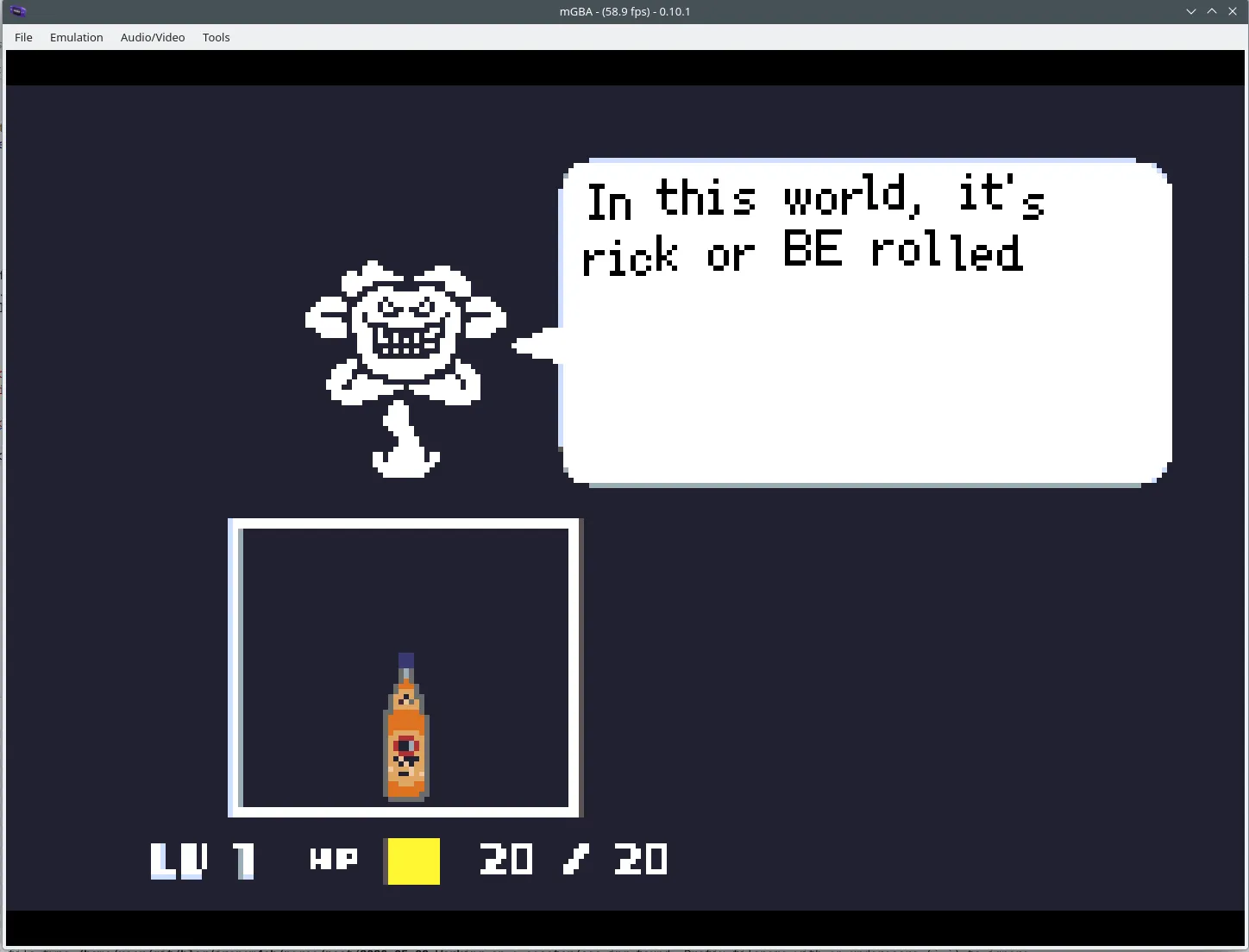
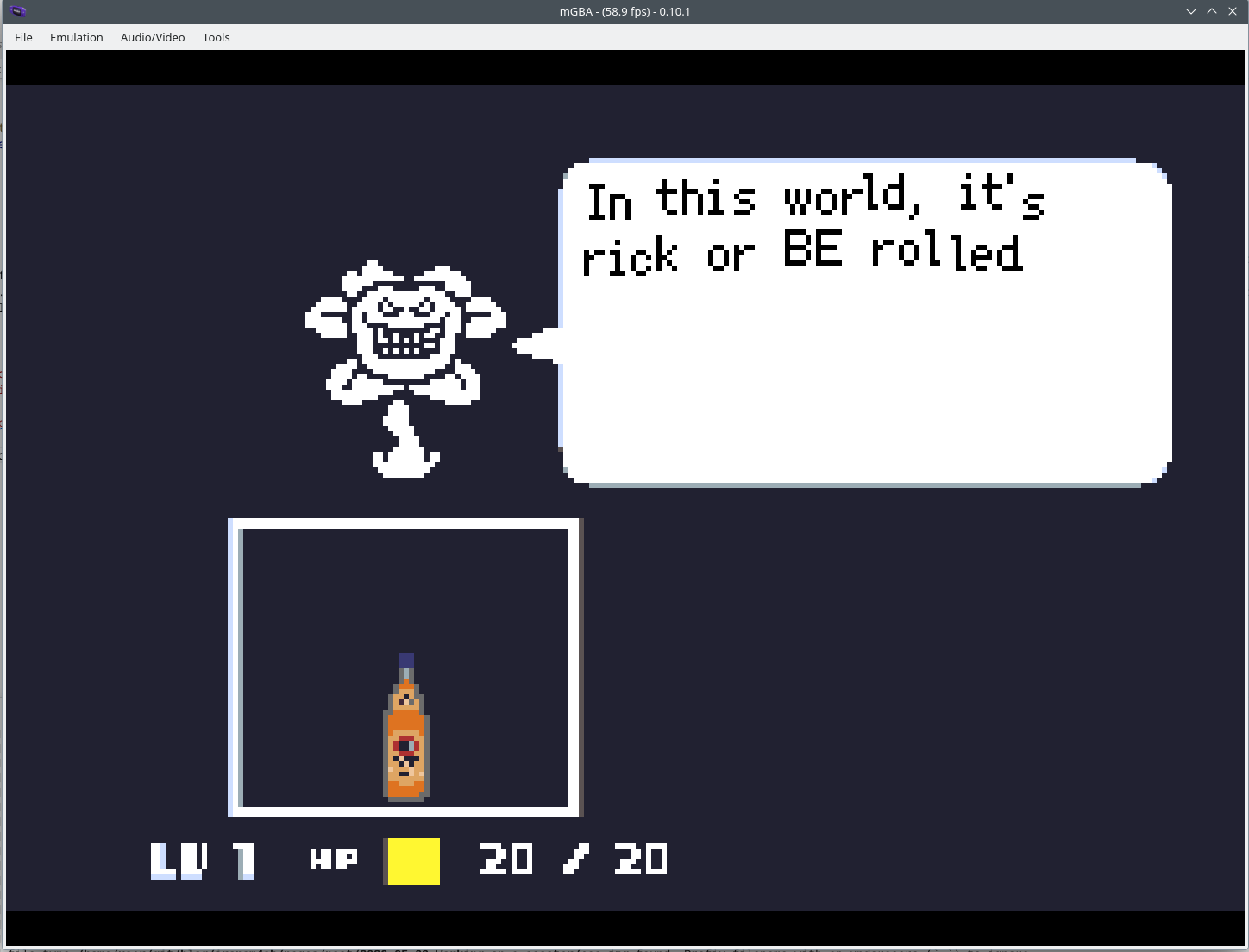
agb is also smart enough to know that you want to run your game. So running cargo run will compile the game, and then launch it using the mGBA emulator. This worked perfectly, and the emulator reproduced even weird rendering glitches (that were my mistake!) identically to how real hardware did it. A screenshot from my undertale-inspired slideshow can be seen below.
Of course, at this point it’s barely more than a hello-world and a background. But that is all I needed. Most time was spent drawing backgrounds and gathering statistics. But that’s not relevant. The full game can be found here. I’ve also included a precompiled gameboy rom, which runs in any gameboy advance emulator.
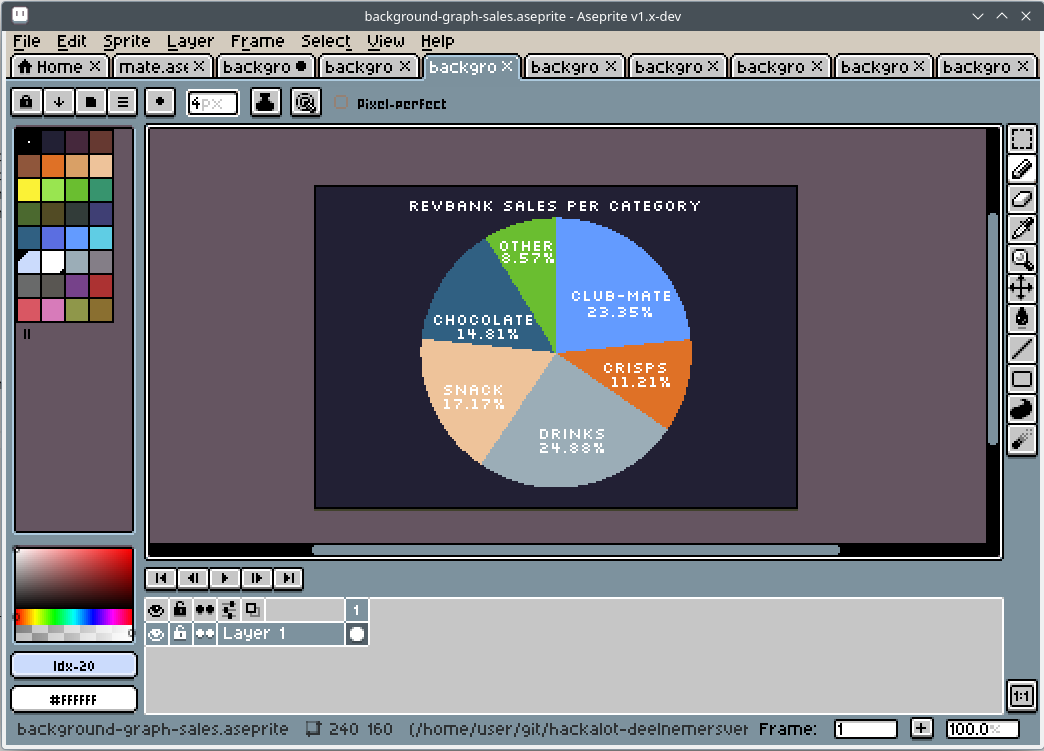
And do not forget; its a game; its all smoke and mirrors. Things are allowed to be hacked and cheated. I wanted to draw a few graphs during my presentation. There is no need to make this dynamic and write a whole graphing library, just make it a static image and call it a day. It worked perfectly fine for me, as can be seen below:
If you spot any mistakes or if you would like to contact me, visit the contact page for more details.